GSM Switchboard + CRM

Business communications under control. Data ready for action.

Velmanta-1 GSM switchboard

Option 1: GSM PBX for Businesses

A business phone should not operate outside the organization’s control

In many companies, the most important discussions with clients still take place over the phone. The problem arises when the call history remains solely on the employee’s device, in private notes, or disappears when a team member leaves the company.

Call → History → Recording → KPI → Manager's Decision

Applications

What benefits does a GSM PBX offer an organization?

Communication History Retention

Calls are not stored exclusively on a specific employee’s phone and remain accessible to the organization.

Data Available to Managers

Information that was previously scattered across phones and personal notes is now visible in one place.

Team activity monitoring

Managers can view the number of calls made, received, and missed, as well as the activity of individual team members.

Recordings and Transcripts

You can listen to a call later or quickly review its transcript without having to search for the information on an employee’s device.

AI-powered call analysis

The system can flag calls that require review and help ensure adherence to the approved script.

Monitoring of Missed Calls

You can see which customers the team hasn’t called back and where lost sales opportunities may be arising.

The call center transforms phone calls—which are otherwise invisible employee activities —into data that can be measured, analyzed, and used to make decisions.

Option 2: GSM Switchboard + CRM

Manually logging calls in the CRM will be a thing of the past

Manually logging calls in CRM is a burden for the team and leads to the loss of some data and information generated during conversations with customers.

Popular VoIP solutions partially address this problem, but require sacrificing some of the benefits of traditional GSM telephony. Integrating a GSM PBX with CRM allows you to combine both approaches.

From Conversation to Decision

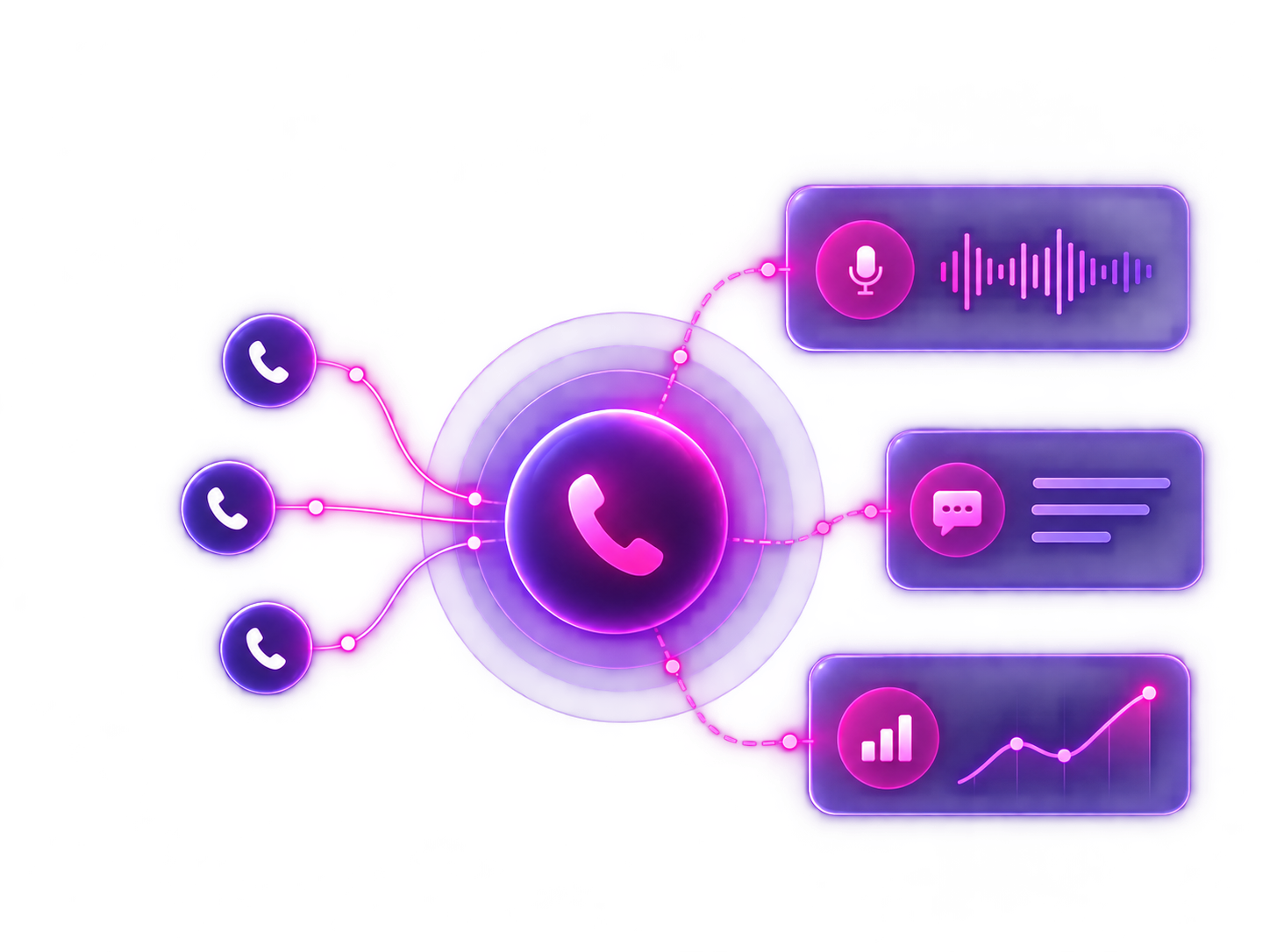
Call → CRM → Recording → KPI → Manager’s decision

CRM Integration

What does automatic call recording change?

Complete contact history in CRM

Call information is automatically available next to the relevant contact, company, or sales opportunity.

Recordings and Transcripts

You can listen to the call or review its transcript without having to search for the information on the employee’s phone.

LIVE activity reporting

Managers can view the number of calls, their status, and the activity of individual team members.

Monitoring of Missed Calls

You can see which customers haven’t been called back and where lost sales opportunities may be arising.

Post-Call Automations

A recorded call can trigger a subsequent action, task, notification, or workflow.

AI-powered call analysis

AI can flag calls that need to be reviewed and help ensure the script is followed.

Sentiment, Keywords, and Products

Calls can be analyzed for topics, products, keywords, and the nature of the conversation.

Performance analysis based on real data

Team performance evaluations can be based on actual calls, results, and activity rather than manual reports.

Phone calls are no longer an invisible activity outside the system; they become another source of data, automation, and information for managers.

Why should you choose a GSM control panel from Velmant?

history

Team Performance Review

See who’s calling, who’s answering, how many contacts haven’t been followed up on, and which calls require a manager’s response. This is especially important for sales, customer service, and reception teams, as well as field staff.

person

Complete contact history

Incoming and outgoing calls can be logged along with basic information, recordings, and the context of the conversation. This allows the team to know what has been discussed previously and to continue assisting the customer more quickly.

workflow

Less manual labor

The team doesn't have to manually report every call or transcribe data after interacting with a customer. The system organizes phone activity and reduces the time spent on administrative tasks.

What can you do with a GSM control panel?

telephone

Handling Incoming Calls

Route calls to the right people, departments, or queues. Streamline the work of reception, sales, customer service, and field teams.

telephone2

Outgoing calls from company phone numbers

Communicate with customers using company phone numbers instead of employees' personal or private phones.

time

History and call recordings

Record phone conversations so that managers and salespeople can review what was discussed, assess the quality of service, and prepare follow-ups more quickly.

mock

GSM Communication KPIs

Measure call pickup rates, team activity, the number of calls, contact effectiveness, unclosed calls, and recurring customer issues. In his presentation, Velmant identifies these very areas as key for managers: the quantity, quality, and context of calls.

headset

AI Support and Conversation Analysis

Expand your call center’s capabilities to include analysis of customer intent, risks, frustrations, sales opportunities, and calls without a clear next step. Managers don’t have to listen to everything—they receive a prioritized list of calls worth reviewing.

link

Integrations and Development

Start with communication visibility and KPIs, and then expand the system to include AI, alerts, integration with CRM, or other tools used in your company.

What does the implementation look like?

Step 1

analysis

Communication Audit

We're taking a look at how the company's phone system works today: numbers, departments, users, service procedures, call forwarding, and the most significant issues.

Step 2

settings

PBX Configuration

We set up phone numbers, IVR, queues, call forwarding, users, and the call structure to match how your team works.

Step 3

inbox

Panel and Call History

We are launching access to call history, recordings, user activity, and basic operational data.

Step 4

chart

KPIs and Reporting

We set up metrics that reflect the team's actual activity: call pickup rate, follow-ups, number of contacts, calls without follow-up agreements, and areas requiring action.

Step 5

notification

AI, Alerts, and Integrations

We are expanding the system to include call analysis, intent classification, manager alerts, CRM integrations, and automations tailored to the company's processes.